AI in BIM isn’t a sci-fi upgrade. It’s a practical shift in how teams design, coordinate, document, and deliver. If you still treat BIM as “make a 3D model and extract drawings,” you’ll miss the real change: AI is turning BIM into a decision engine such as faster options, smarter checks, and cleaner handoffs.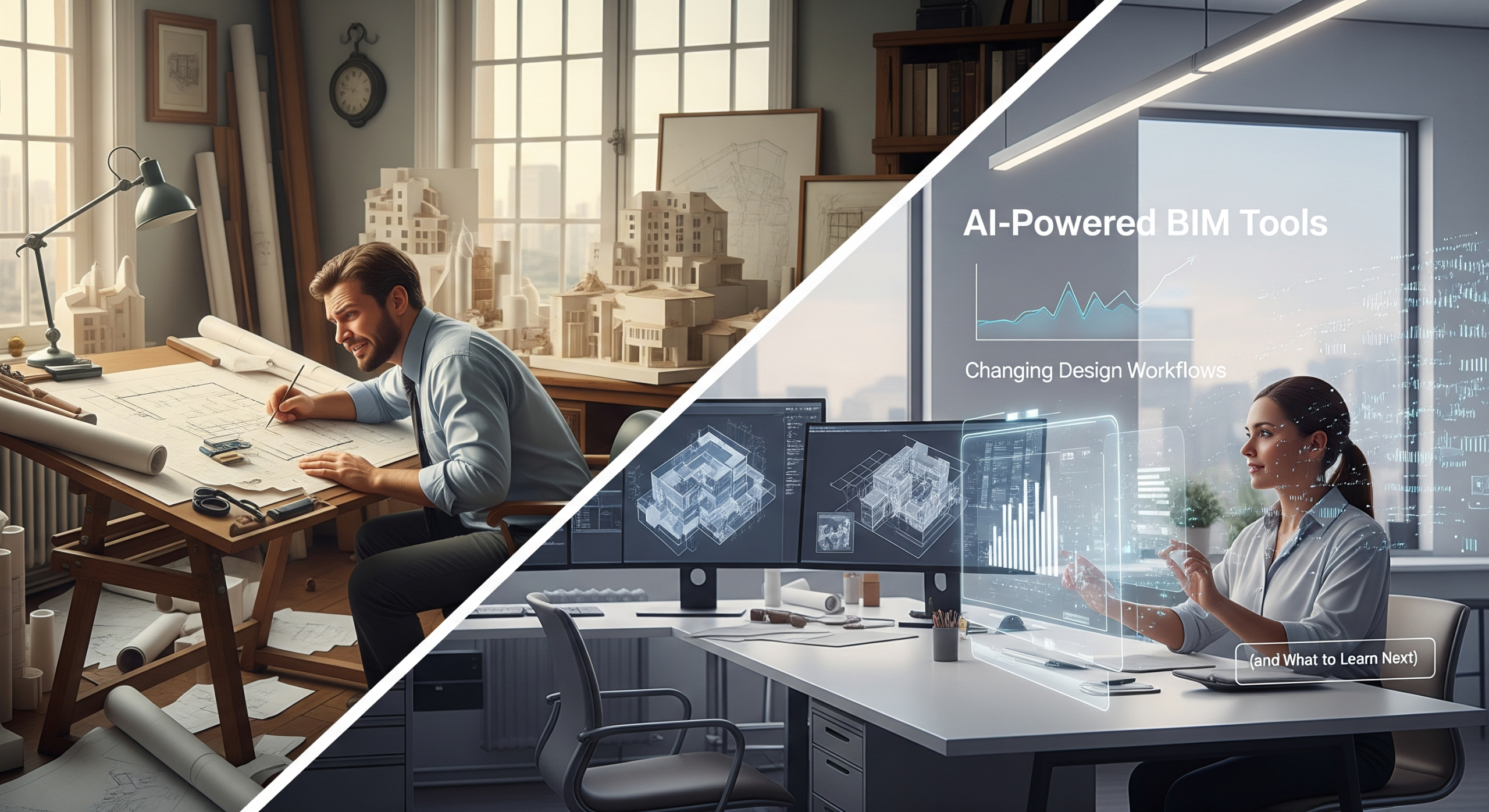
This blog breaks down what’s changing, where AI actually helps (and where it doesn’t), and how to build skills that stay valuable, especially if you’re exploring Bim Courses.
What “AI-powered BIM” really means?
Most “AI in BIM” today fits into 4 buckets:
- Generative / optimization tools: You set goals + constraints, the tool generates options.
- Automation + rule intelligence: Faster repetitive tasks, smarter checking, fewer manual clicks.
- Prediction and analytics: Risk flags for clashes, schedule, cost, and constructability—based on patterns.
- Natural language + model search: Ask the model questions like a human, get usable answers.
A key idea: AI doesn’t replace engineering judgment. It compresses the time between “idea → tested option → decision.”
1) Early design is moving from “one option” to “many tested options”
Earlier, teams worked like this: concept → revise → revise → present.
Now, AI-driven early-stage platforms push: generate many options → test quickly → choose wisely.
What changes in daily workflow
- You explore more massing/site options in less time.
- You test constraints earlier (sun, wind, floor area efficiency, setbacks, depending on the tool and setup).
- You lock smarter “directional decisions” before you spend days detailing.
Autodesk positions Forma as AI-powered tools for pre-design and schematic design basically, faster early-stage optioning in the cloud.
And if you use Revit, generative design features let you produce alternatives based on goals and constraints inside the Revit context.
Reality check: AI won’t know your client’s politics, budget drama, or site realities unless you feed the right constraints and validate outputs. But it will help you avoid wasting weeks on weak directions.
2) Coordination shifts from “finding clashes” to “preventing clashes”
Traditional coordination looks like:
- Combine models → run clash detection → issue screenshots → repeat.
AI-enhanced coordination aims for:
- Better rule sets and smarter detection
- Faster identification of “real clashes” vs “noise”
- Earlier fixes while design is still flexible
The real productivity gain
Not “AI finds clashes.” Navisworks and model checkers already do that.
The gain comes from:
- Reducing false positives
- Grouping clashes by root cause
- Suggesting the most likely fix path (reroute, resize, change priority, adjust level offsets)
When teams combine this with strong standards (naming, parameters, LOD discipline), coordination stops being a weekly firefight.
3) Documentation becomes “model-first + auto-assist,” not “drafting-first”
AI doesn’t magically create perfect drawings. But it does reduce the boring parts:
- Faster tagging suggestions
- Smarter parameter completion (when standards exist)
- Auto-checks for missing information before plotting
- Faster sheet setups when you standardize title blocks, views, and templates
Your biggest lever is standardization. AI helps most when your company has:
- Consistent families/objects
- Clear parameters
- View template discipline
- Shared naming rules
Without that, AI becomes “random results generator.”
4) Design tools are becoming more connected: Revit + Tekla + Rhino workflows
Many teams don’t use one tool anymore. They use combinations:
- Revit for multidisciplinary BIM + documentation
- Tekla for structural detailing/fabrication-level constructible modeling
- Rhino for complex geometry and early-form exploration
Trimble describes Tekla Structures as structural BIM focused on constructible, information-rich models across the project lifecycle.
McNeel describes Rhino.Inside.Revit as a way to run Rhino/Grasshopper inside Revit, enabling fast transfer of geometry and data between the two.
So when people search “Revit vs Tekla vs Rhino” (and yes, some even type it weird like “t Revit vs Tekla vs Rhino”), the best answer is often:
Stop thinking “winner.” Think “role in the pipeline.”
A practical rule:
- Revit = coordination + documentation backbone
- Tekla = structural detailing + fabrication accuracy
- Rhino = form-finding + parametric exploration (then push into Revit)
5) AI makes BIM automation a career advantage (not a “nice to have”)
This is where the market is heading: companies want people who can make workflows faster and safer, not just model nicely.
That’s why BIM Automation Essential Skills matter. Focus on these:
Essential BIM automation skill stack
- Model standards: parameters, naming, templates (automation needs consistency)
- Visual scripting: Dynamo (Revit), Grasshopper (Rhino)
- APIs + Python basics: automate sheets, views, parameter checks, exports
- Data thinking: Excel/CSV workflows, QA reports, issue logs
- Interoperability: IFC mindset, clean exports, predictable coordinates
If you’re a civil engineer, this is a strong path too, especially for infrastructure interfaces, site coordination, and data-driven quantities. That’s why BIM courses for civil engineers are increasingly mixing BIM + automation + data workflows (not just software buttons).
6) Where AI fails (so you don’t trust it blindly)
AI struggles when:
- Inputs are incomplete or messy
- Constraints aren’t defined clearly
- You need code compliance interpretation (unless you use specialized rule-check tools)
- You expect “one-click perfect drawings”
Golden rule: Treat AI output like a junior team member’s draft and use it, but verify it.
A simple adoption plan that actually works
If you want AI in BIM without chaos, follow this sequence:
- Fix standards first (templates, parameters, naming)
- Pick one workflow to improve (example: sheet creation, clash grouping, quantity checks)
- Create a validation step (QA checklist + sample spot checks)
- Track measurable wins (time saved, fewer RFIs, fewer coordination cycles)
- Scale gradually (more teams, more model packages, more automation)
This keeps AI from becoming “another tool nobody trusts.”
What to learn: a practical learning path (courses + certification)
If you’re searching for Bim Courses Online or a bim certification course online, don’t just chase a certificate. Build a skill mix that employers can feel.
A strong course plan looks like:
- Fundamentals: BIM standards + Revit/Tekla/Rhino basics (based on your role)
- Coordination: clash workflow, issue management, model health checks
- Automation: Dynamo or Grasshopper + Python fundamentals
- Delivery skills: documentation standards, QA, and client-ready outputs
Tip: Your portfolio matters more than your badge. Build 2–3 mini projects:
- A model health audit checklist + report
- A small automation script (sheet creation or parameter validation)
- A coordination example with before/after clash reduction
*Related Quotes by famous Engineers & other Personalities*
- “A common mistake in engineering is to design something foolproof and underestimate the ingenuity of fools.”
— Douglas Adams
Fits your section on AI failure and blind trust. - “An engineer is someone who can do for a dime what any fool can do for a dollar.”
— Arthur Mellen Wellington
Matches efficiency gains through AI and BIM automation. - “The engineer’s first problem in any design situation is to discover what the problem really is.”
— Henry Petroski
Aligns with AI as a tool for faster testing, not blind answers. - “A good engineer is a person who makes a design that works with as few original ideas as possible.”
— Freeman Dyson
Perfect for your emphasis on standards, automation, and repeatable workflows. - “Science can amuse and fascinate us all, but it is engineering that changes the world.”
— Isaac Asimov
Strong closing quote tying AI, BIM, and real-world delivery. -
“Design is not just what it looks like and feels like. Design is how it works.” — Steve Jobs
Aligns with model-first and performance-driven BIM. -
“An expert is a man who has made all the mistakes which can be made in a very narrow field.”
— Niels Bohr
Excellent for your section on validation and learning from failures. -
“A good scientist is a person with original ideas. A good engineer is a person who makes a design that works with as few original ideas as possible.”
— Freeman Dyson
Directly supports standardization and automation in BIM. -
“Automation applied to an efficient operation will magnify the efficiency.”
— Bill Gates
Perfect match for your standards-first message. - “The best way to predict the future is to invent it.”
— Alan Kay
Strong fit for generative design and AI-driven workflows.
FAQs
1) Will AI replace BIM modelers and coordinators?
No. AI will replace repetitive clicking, not responsibility. Teams still need people who understand constructability, LOD, coordination priorities, and documentation risk. What changes is the expectation: you’ll deliver faster, with more validation, and with better data discipline.
2) Which AI-powered BIM tools are impacting early design the most?
Tools that generate and test options early are making the biggest workflow impact. Autodesk highlights AI-powered early-stage capabilities in Forma and generative workflows that connect early design to Revit-based development.
3) Revit vs Tekla vs Rhino, what should I learn first?
Start with your job target. If you want multidisciplinary coordination and documentation, learn Revit first. If you aim for structural detailing and fabrication workflows, Tekla becomes critical. If you work on complex forms or parametric concept exploration, Rhino + Grasshopper is a strong base and Rhino.Inside.Revit can connect that workflow into Revit.
4) What are BIM Automation Essential Skills I should build in 2026?
Build standards + automation together. Learn templates, parameters, naming rules, and model QA first. Then add Dynamo/Grasshopper, and basic Python/API skills for repeatable tasks (sheets, views, checks, exports). Automation fails without standards so don’t skip the boring foundation.
5) Are BIM courses for civil engineers worth it, or should I focus on core civil tools?
They’re worth it if the course teaches workflow (coordination, data, quantities, interoperability), not just software UI. Civil engineers who understand BIM data exchange, coordination, and automation often become the “glue” between design, structure, and construction teams—high value in real projects.
6) What should I look for in a bim certification course online?
Look for outcomes, not marketing. The best programs include:
- Real project-style exercises
- Coordination and QA methods
- Automation basics (at least Dynamo or scripting concepts)
- A portfolio-ready deliverable
A certificate without demonstrable outputs won’t move your career much.
7) How do I start using AI in BIM without breaking project quality?
Start small. Pick one workflow (like model QA checks or option studies), set clear constraints, and create a validation checklist. Track results and expand only after the team trusts the output. AI adds speed, but your QA protects reputation.
8) What’s the biggest mistake teams make with AI-powered BIM tools?
They adopt tools before they fix standards. If families, parameters, templates, and naming are inconsistent, AI produces inconsistent results. Standardize first, then automate