BIM teams don’t lose time because Revit or Navisworks is “slow.” They lose time because humans repeat the same steps all day, renaming views, fixing parameters, exporting PDFs, checking clashes, updating sheets, pushing data to ACC, and chasing standards.
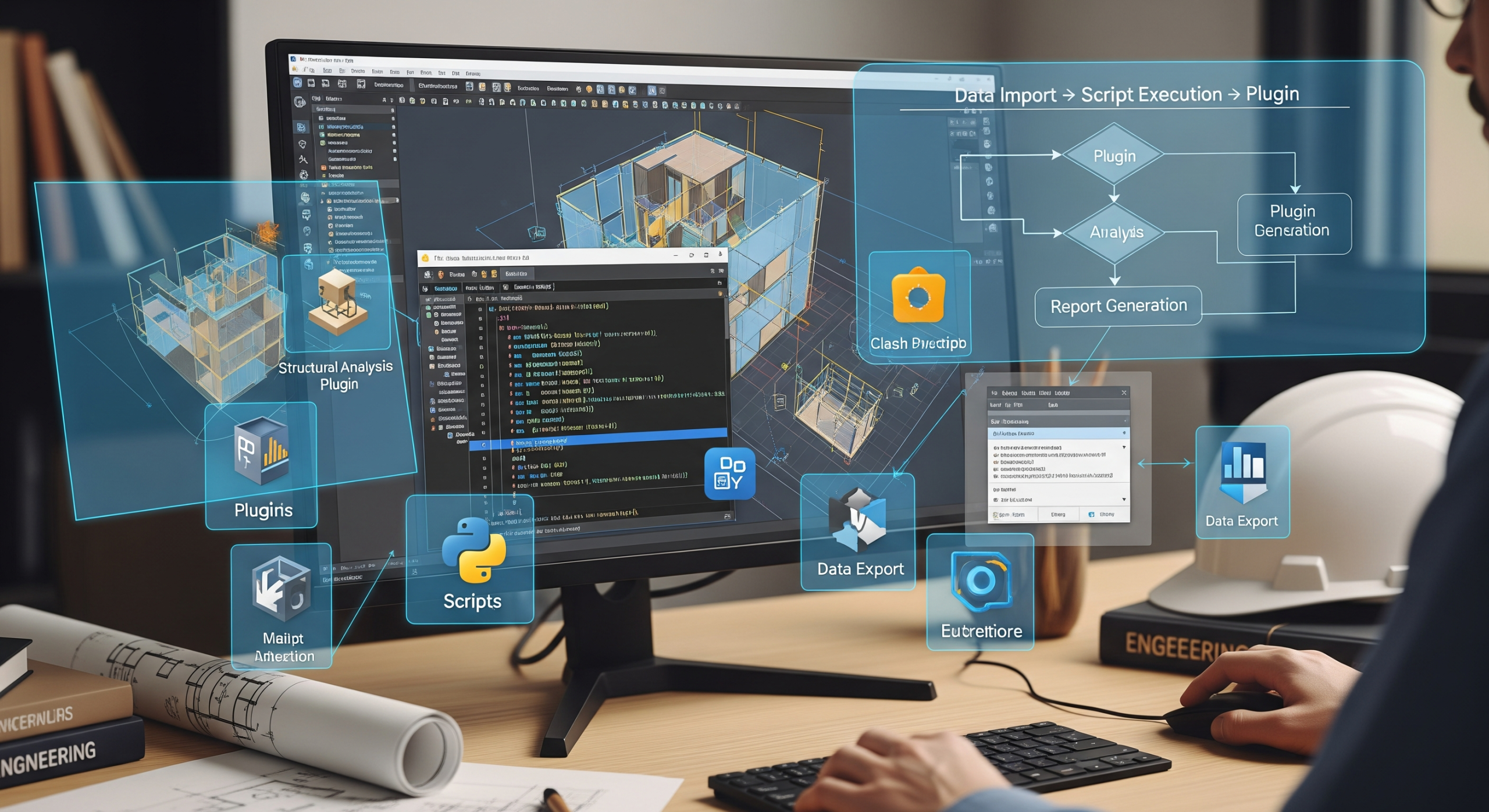
BIM automation is simply the habit of turning repeatable BIM tasks into one-click actions. When you build that habit, you deliver faster, reduce errors, and make your model outputs more predictable, especially on high-pressure projects like hospitals, airports, data centres, and high-rises.
This guide breaks down the essential BIM automation skills you should build in 2026-ready teams: scripts, plugins, and workflows.
Why BIM automation matters in real projects
On paper, BIM is “digital.” On site, deadlines are very physical.
Automation helps because it:
- Cuts coordination time (batch tasks finish in minutes, not hours)
- Improves QA/QC (rules stay consistent even when the team changes)
- Reduces rework (standards get enforced early, not at submission day)
- Creates repeatable delivery (PDFs, NWC, IFC, COBie, schedules—same naming, same structure every time)
If your team does weekly “model cleaning drives,” your process is already asking for automation.
Skill #1: Know what to automate (before writing any script)
The best BIM automation pros don’t start with coding. They start with process mapping.
A simple rule:
- If a task is repeatable
- And has clear inputs and outputs
- And the “steps” can be written like a checklist
…it can usually be automated.
High-value BIM tasks to automate:
- Sheet creation and sheet parameter filling
- View naming, browser organisation, and view template application
- Shared parameter checks and parameter population
- Batch exports (PDF/DWG/NWC/IFC) with correct naming rules
- Clash report formatting and issue creation
- Model health checks (warnings, unplaced views, duplicate marks, missing worksets)
- Quantity extraction + data push to Excel/Power BI
- Family QA (naming, connectors, LOD rules, parameters)
Skill #2: Visual scripting (Dynamo) for quick wins
Dynamo is still one of the fastest ways to automate Revit workflows without building a full plugin. It’s ideal when:
- You want quick automation for production tasks
- Your team is mixed (some people can’t code)
- You need editable logic that others can maintain
Common Dynamo automations that actually save time:
- Rename views/sheets using a naming convention
- Create rooms/spaces and populate parameters
- Push Excel data into Revit parameters
- Batch place views on sheets (with rules)
- Auto-create levels/grids in repetitive buildings
- Export schedules to Excel in a controlled format
If you learn only one Dynamo habit, make it this: keep inputs clean (Excel templates, dropdowns, validation). Bad inputs ruin automation.
Skill #3: Python for BIM scripts (pyRevit + Dynamo + data tools)
If Dynamo is “fast,” Python is “powerful.”
Python helps you automate tasks that require:
- Real logic (if/else rules, exceptions, conditions)
- Better UI (forms, dropdowns, progress bars)
- Data handling (CSV/Excel/JSON APIs)
- Batch operations (hundreds of views, thousands of elements)
Where Python is used in BIM automation:
- pyRevit scripts
Perfect for day-to-day production automation: sheet tools, view tools, exports, QA checkers, parameter tools. - Dynamo Python nodes
Add custom logic when standard nodes are not enough. - Data automation outside BIM
Quantity reports, dashboards, issue analytics, model tracking, and progress reporting.
Practical Python skills that matter (not “computer science”):
- Reading/writing Excel or CSV safely (with validation)
- Working with IDs, categories, parameters, and element filters
- Logging results to a report (so QA is visible)
- Handling exceptions cleanly (scripts shouldn’t crash mid-run)
- Understanding “model-safe” operations (transactions, worksharing awareness)
Skill #4: Revit API and C# for enterprise-grade automation
When you need automation that is:
- Deployed across teams
- Maintained long-term
- Integrated with other systems (ACC, ERP, FM tools)
- Controlled with permissions and versions
…you move from scripts to Revit Add-ins using C#/.NET (Revit API).
Typical C# plugin use cases:
- Company-wide QA/QC tool with rulesets
- Automated model setup (worksets, templates, project info, parameters)
- Standardised export manager with folder rules + naming + metadata
- Custom modelling tools (MEP supports, sleeves, penetrations workflows)
- Integration with ACC issues or external databases
If you’re building BIM automation as a serious capability, C# becomes the backbone.
Skill #5: Know your plugins and when to use them
Automation is not always “build it yourself.” Sometimes the smartest move is using proven plugins for speed.
Categories of plugins you should understand:
- Model health and QA/QC (warnings, standards, checks)
- Clash and coordination (clash workflows, issue creation, tracking)
- MEP productivity (routing aids, hanger/support workflows, spooling helpers)
- Data extraction (quantities, schedules, parameter audits)
- Documentation productivity (sheet tools, batch printing, view management)
The skill here is not “installing plugins.” The skill is governance:
- Which plugin is allowed for which project
- Version control and updates
- Team training
- Output consistency (so results don’t vary user-to-user)
Skill #6: Workflow design (the part most teams ignore)
Scripts and plugins fail when workflows are messy.
A strong BIM automation workflow includes:
- Standards: naming convention, LOD rules, parameter dictionary, template rules
- Trigger points: when automation runs (daily? weekly? pre-issue?)
- Inputs: controlled Excel templates, controlled shared parameter files, controlled families
- Outputs: predictable exports, predictable issue structure, predictable reports
- Checks: automation should produce a QA report, not just “do things quietly”
Example: A clean “Weekly Coordination Workflow”
- Audit model health (warnings, missing worksets, unplaced views)
- Run parameter completeness check (critical fields only)
- Export NWC/IFC with fixed naming rules
- Run clash sets + publish issues to ACC
- Generate dashboard report (clash trends, open issues, response time)
That’s how automation becomes a business process, not a cool script.
Skill #7: Data mindset (BIM automation is 50% data)
If your BIM data is inconsistent, your automation will produce consistent garbage.
Core data skills for BIM automation:
- Shared parameters vs project parameters (and when to use which)
- Parameter naming conventions (avoid duplicates and ambiguous names)
- Classification systems (Uniclass/OmniClass/MasterFormat as applicable)
- IFC basics (mapping, property sets, export discipline)
- COBie awareness (even if you don’t deliver COBie, the mindset helps)
- Excel discipline (validated inputs, locked templates, clean headers)
- Basic BI reporting (Power BI / dashboards for tracking model quality)
In 2026, BIM teams that can’t manage data cleanly will get outpaced by teams that can.
A practical learning path (no fluff)
If you’re building BIM automation skills from scratch:
- Start with workflow mapping (document repetitive tasks)
- Learn Dynamo basics (view/sheet naming + Excel push/pull)
- Add Python via pyRevit (sheet tools + parameter tools + QA reports)
- Build a QA/QC rule set (standards + reporting)
- Move to C# only when needed (enterprise tools, integrations, long-term products)
Don’t try to learn everything at once. Start with automations that save hours every week.
Common mistakes that kill BIM automation
- Automating without standards (no naming rules = messy outputs)
- No input validation (Excel mistakes break scripts)
- No reporting (if users can’t see what changed, they won’t trust it)
- Over-automation too early (start small, then scale)
- One-person dependency (document your scripts and build handover guides)
- Ignoring model safety (worksharing, permissions, transactions)
Automation must reduce risk, not create new risk.
FAQs
1) What are the most valuable BIM automation skills for a BIM engineer?
In Bim Course, Start with workflow thinking, then master Dynamo for quick automations, and add Python for robust scripts. If your role demands scalable tools across teams, learn the Revit API with C#.
2) Is Dynamo enough for BIM automation, or do I need coding?
Dynamo is enough for many production tasks like view management, parameter updates, and Excel workflows. But the moment you need strong logic, better UI, validations, or complex batch operations, Python becomes the next step.
3) Which BIM tasks should I automate first?
Automate tasks that happen weekly or daily: view/sheet naming, template application, sheet creation, batch exports, parameter completeness checks, and model health reports. These give immediate ROI.
4) How do plugins fit into an automation strategy?
Plugins are ready-made accelerators. Your skill is choosing the right plugin for the right problem—and keeping outputs consistent through standards, training, and governance.
5) How do I keep automated BIM outputs consistent across projects?
Use a standard template ecosystem: naming conventions, view templates, shared parameter files, and export rules. Then build automation that enforces these standards and generates a QA report every time.
Bottom line
BIM automation is not “extra.” It’s how modern BIM teams stay profitable.
If you build strong skills in scripts (Dynamo + Python), plugins (governed properly), and workflows (standardised + measurable), you stop firefighting and start delivering BIM like a system.
If you want, I can also turn this blog into:
- a LinkedIn long post + carousel structure, or
- a 30-day content plan on BIM automation topics (Dynamo, pyRevit, Revit API, ACC workflows).