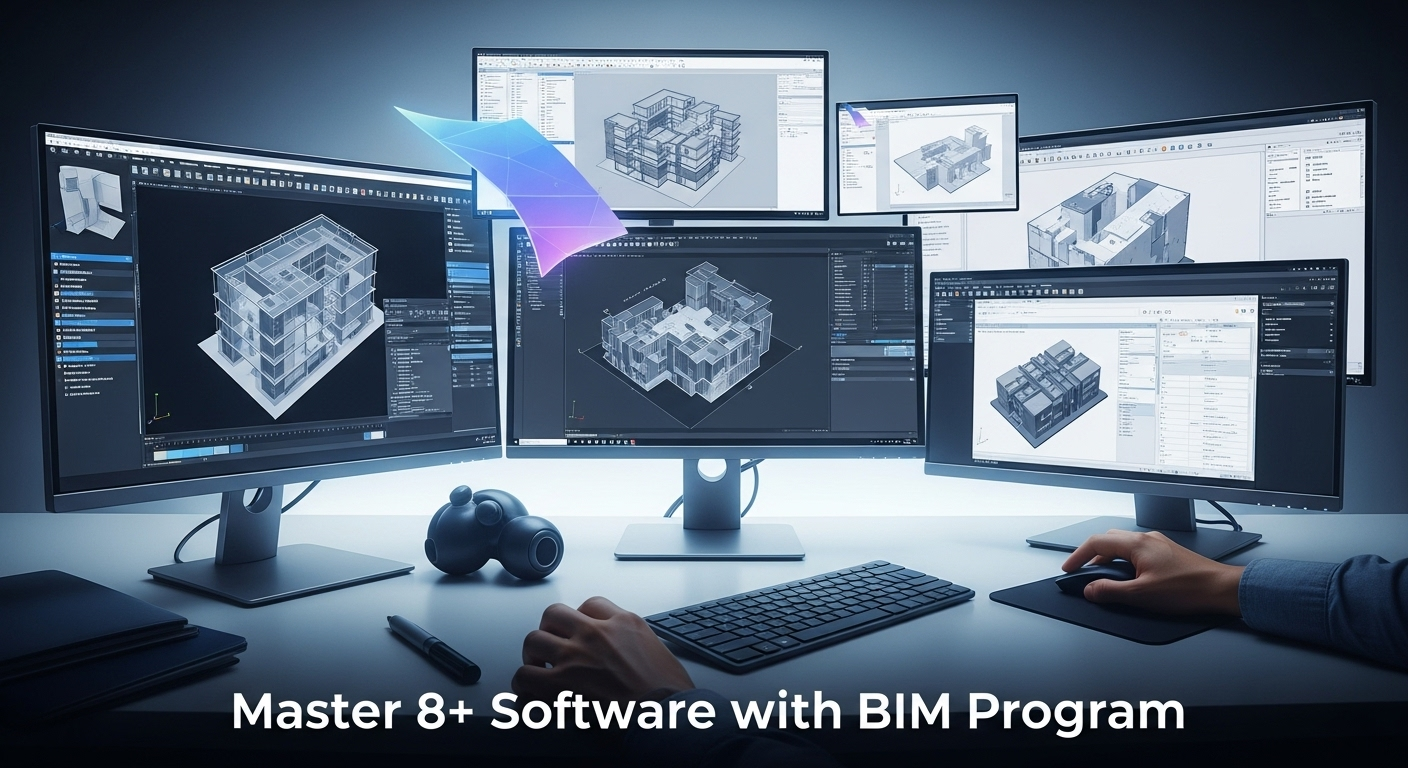
In the modern-day architecture, engineering, and construction (AEC) business, professionals who have the ability to work confidently with numerous software platforms are exceptional. A BIM Course can empower you with that edge by making you proficient across 8+ must-know tools, such as Revit, Navisworks, BIM 360, and Dynamo. This set of skills is increasingly becoming a base standard for anyone looking to advance in design, engineering, or construction project management.
Why Learning Multiple Software Platforms Matters
Today’s projects include teams distributed across disciplines such as architects and structural engineers, to MEP professionals and contractors. Each professional tends to use various software for design, analysis, documentation, and visualization.
With expertise in a BIM Course involving training in over eight software packages, you acquire:
- Interoperability skills — the capability to seamlessly work between tools such as Revit, Navisworks, BIM 360, and Dynamo.
- Workflow efficiency — streamlining the time spent in converting files or troubleshooting compatibility problems.
- Role versatility — leading to job opportunities like BIM Modeler, BIM Engineer, BIM Coordinator, or BIM Manager.
Employers prefer professionals who do not waste time due to software constraints. A thorough BIM training program is the reason you can become more job market competitive.
What Software Can You Learn in a BIM Program
Although the specific list may differ for different institutes, there are standard advanced BIM Courses that cover training in:
- Autodesk Revit – For designing detailed 3D models of buildings and infrastructure.
- Navisworks – For clash detection, construction simulation, and reviewing the project.
- Civil 3D – For infrastructure projects such as roads and drainage.
- ArchiCAD – For architectural modeling and BIM collaboration.
- Primavera P6 – For project scheduling and management.
- Lumion or Enscape – For real-time rendering and interactive presentations.
- BIM 360 – For cloud-based collaboration, project coordination, and data management.
- Autodesk Dynamo – For computational design and automation in BIM workflows.
- Autodesk ACC Collaborate – For connected construction management and team collaboration.
Learning these tools also sets you up to seek Autodesk Certification, which can confirm your skills and enhance your professional credibility.
Advantages of Mastering 8+ Software in a BIM Program
1. Better Career Opportunities
Firms prefer multi-platform skilled candidates. A BIM Course with Autodesk tools enables you to contribute to design, modeling, visualization, and coordination activities.
2. Increased Earning Capacity
Experts with varied BIM abilities can earn improved wages. The option to accommodate varied project demands creates quantifiable value for employers.
3. Improved Project Collaboration
By being able to speak with stakeholders in their native language, you minimize errors and simplify workflows.
4. Future-Proof Skills
With technology changing so quickly, gaining a solid foundation in multiple tools allows you to learn new versions or platforms quickly.
How BIM Training Integrates All These Tools
Learning eight or more software packages may look daunting, but BIM training has a systematic sequence. You start with basic skills in Revit and then advance to higher-level coordination and visualization tools like Navisworks, Dynamo, and BIM 360.
A properly designed BIM course typically includes real-world projects, enabling you to apply learned concepts in practical situations — from designing architectural models to identifying clashes before construction begins. This way, you not only master the software but also understand its practical applications in real-world situations.
Who Should Join a Multi-Software BIM Course?
- Architects are looking to develop better coordination and visualization skills.
- Civil engineers are responsible for infrastructure design in BIM platforms.
- MEP engineers are seeking to improve coordination and eliminate errors.
- Construction managers are looking to improve scheduling and control.
- Students and graduates are establishing a solid technical resume with Autodesk Certification.
Tips to Succeed in a BIM Multi-Software Program
1. Practice every day – Daily usage reinforces skills and develops speed.
2. Work on actual projects – Real-world application makes understanding more intense.
3. Keep current – Keep track of software updates and industry trends.
4. Learn with peers – Collaborative learning enhances problem-solving capabilities.
Conclusion
Understanding 8+ software tools in a BIM Course can revamp your professional resume. You will not only become technically proficient but also capable of working on various teams, projects, and sectors.
In a world where technology is the key to efficiency and precision, being proficient in several tools positions you as a valuable asset to the AEC industry. If you need to increase your prospects and future-proof your career, now is the time to invest in a BIM Course that teaches you multiple software programs.