The landscape of 2025 will be more sophisticated, and designers will be equipped with more advanced tools than they have ever had. From the initial sketches of concept to full-blown 3D models, Today’s software is simpler than ever before for planning, visualizing and showing outdoor areas. This guide outlines the top 10 landscaping software platforms of the year and explains how BIM training can aid you in mastering these platforms.
Why Software Skills Matter in Landscape Design
A well-designed design goes beyond a beautiful drawing. It’s a combination of accurate measurement, accurate renderings and rich data models. No matter if you’re working with small gardens or a large urban park, the software makes sure the designs you create are clearly defined, functional, operational, and ready for construction. The incorporation of BIM training in your toolkit will allow you to incorporate landscape projects into the process of engineering, architecture and construction.
1. Revit

The ideal choice for professionals who need intelligent modeling and parametric accuracy.
Revit is one of the most admired tools in the field of design and construction. Landscape architects, architects, and engineers utilize Revit to create precise 3D models, detailed construction drawings, and coordinated project documentation. It is fully compatible with other BIM software, making it a top choice for professionals trained in Building Information Modeling. With features such as parametric components, real-time collaboration, and scheduling, Revit ensures that every plant bed, path, and feature is accurately documented and coordinated according to industry standards.
2. SketchUp
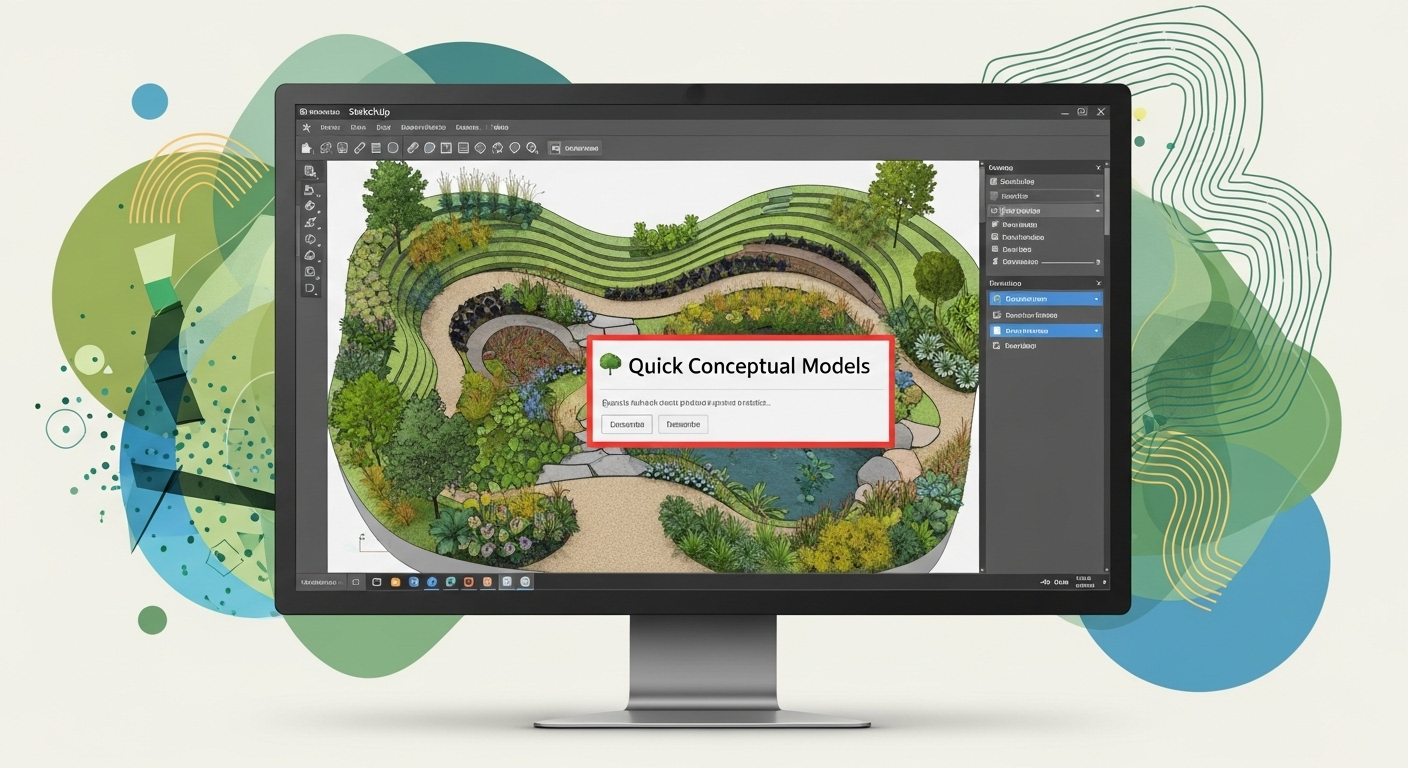
The best option is quick conceptual models
SketchUp offers an easy-to-use interface and speedy modeling capabilities, which make it the ideal tool for designing in the beginning. Landscape architects appreciate having its huge selection of ready-made furniture, plants and materials. If combined with BIM-compatible plug-ins, SketchUp is a very efficient tool for creating presentations and also for integrating with documents for construction.
3. Vectorworks Landmark

Best for: BIM-based landscape design
Vectorworks Landmark is designed specifically for landscape designers. It allows you to create both 3D and 2D models and then insert important data like plant species, irrigation networks, as well as the details of grading. Bim’s training program, environmental analysis and site modeling are readily available.
4. Asana

Best for: Project management and workflow tracking in landscape design
Asana helps landscape design teams organize tasks, track deadlines, and manage collaboration across different stages of a project. While it’s not a design tool, it integrates well with other software and ensures that timelines, budgets, and responsibilities are clear, making it valuable for smooth project execution.
5. Land F-X

Ideal for: CAD-integrated landscaping and irrigation design
Land FX is an AutoCAD plugin that automates the majority of the repetitive tasks involved in the process of landscape drafting. It makes it easier to create the scheduling of irrigation schedules, planting plans, and annotations at lower levels in manual work. Professionals who are trained in BIM can utilize it to create an equilibrium between conventional drawing and BIM methods.
6. Lumion

Ideal for high-quality animations and renders
Lumion excels in creating 3D models into realistic images and videos. It is compatible with many applications like SketchUp, Revit, and Vectorworks and allows designers to present immersive and engaging presentations. Integrating Lumion in your BIM workflow can improve the communication between stakeholders and clients.
7. Rhino + Lands Design

Ideal for complex models and forms that require customisation.
Rhino excels in precision 3D modeling. When coupled with the Lands Design plugin, it transforms into a complete landscaping tool. It is possible to create terrain as well as vegetation and water features with precise data, which makes it ideal for precise BIM documentation.
8. ArcGIS

Best for: Large-scale urban landscapes
CityEngine is a procedural modeling tool for entire cities or major developments. Landscape designers employ it for urban parks, plazas, as well as greenery designs. It’s GIS data integrated, meaning that it allows you to set your plans according to the real-world topography and planning limitations.
9. QGIS

Best for: Large-scale site layouts and environmental planning
QGIS is a powerful open-source Geographic Information System adapted for landscape design. It excels in projects where terrain analysis, drainage planning, and vegetation mapping are essential. By layering spatial data, designers can make informed land-use decisions. It integrates smoothly with BIM workflows when paired with other design tools.
10. DynaScape
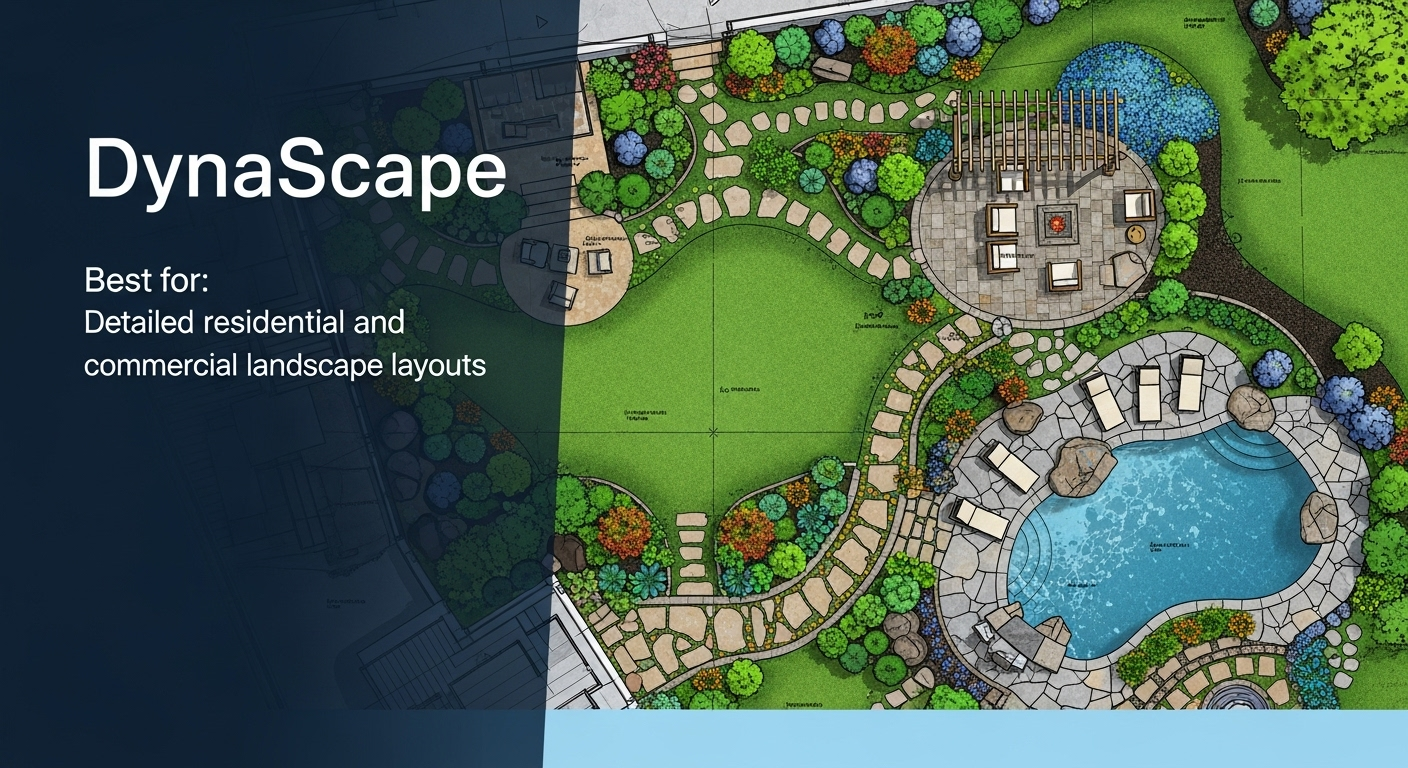
Best for: Detailed residential and commercial landscape layouts
DynaScape is a professional-grade CAD-based landscape design software. It’s ideal for creating precise 2D plans, plant schedules, and construction details. When used with 3D modeling tools like SketchUp, it offers a full design-to-presentation solution for professional landscaping projects.
The Need for BIM Training for Landscape Designers
Each software is unique in its strengths; BIM training can be used to increase the capacity. With BIM, landscapes are not only visualized but also include information on the plants, materials, drainage and construction data. Collaboration with engineers, architects and contractors is much more efficient this way.
Learning BIM processes can help you:
- Integrate landscape models into architectural plans.
- Make sure that the material is taken off accurately to estimate the cost.
- Design data-driven solutions that meet the sustainability objectives.
- Eliminate design mistakes and speed revisions.
Platforms such as Vectorworks Landmark, Rhino with Lands Design and AutoCAD benefit from BIM expertise; however, visualization tools such as Lumion integrate into a BIM-driven workflow.
Quick Comparison Table
| Revit | Integrated Design, Parametric Modeling, Collaboration, Documentation, Analysis | 3D tools/ faster performance, better interoperability |
| Realtime Landscaping Pro | Library-rich, cost-effective software | No subscription, seasonal options |
| SketchUp | Rapid concepting | Browser-based, flexible plugins |
| Land F-X | Efficient planting and annotation | Annual license, CAD integration |
| Vectorworks Landmark | BIM-based landscape and site modeling | Scriptable, authoritative in workflows |
| Chief Architect Suite | Indoor-outdoor design | Material tracking, detailed rendering |
| Lumion | Real-time visualization | Instant rendering with CAD sync |
| Rhino + Lands Design | Complex modeling + BIM landscape features | Documentation, 3D output |
| ArcGIS CityEngine | Urban/regional landscape environments | Procedural modeling, BIM-GIS integration |
| Bonsai | Project and business management | Contracts, invoices, planning tools |
Final Thoughts
In 2025, landscape design is driven by software that combines creativity with technical precision. Whether you are starting or have professional experience backed by BIM training, the right software can help you produce accurate, visually compelling designs that align with project requirements.
Selecting the right tool from this list will depend on your project size, workflow, and presentation needs. By integrating technology into your design process, you can enhance efficiency, improve collaboration, and create landscapes that seamlessly blend beauty with functionality.