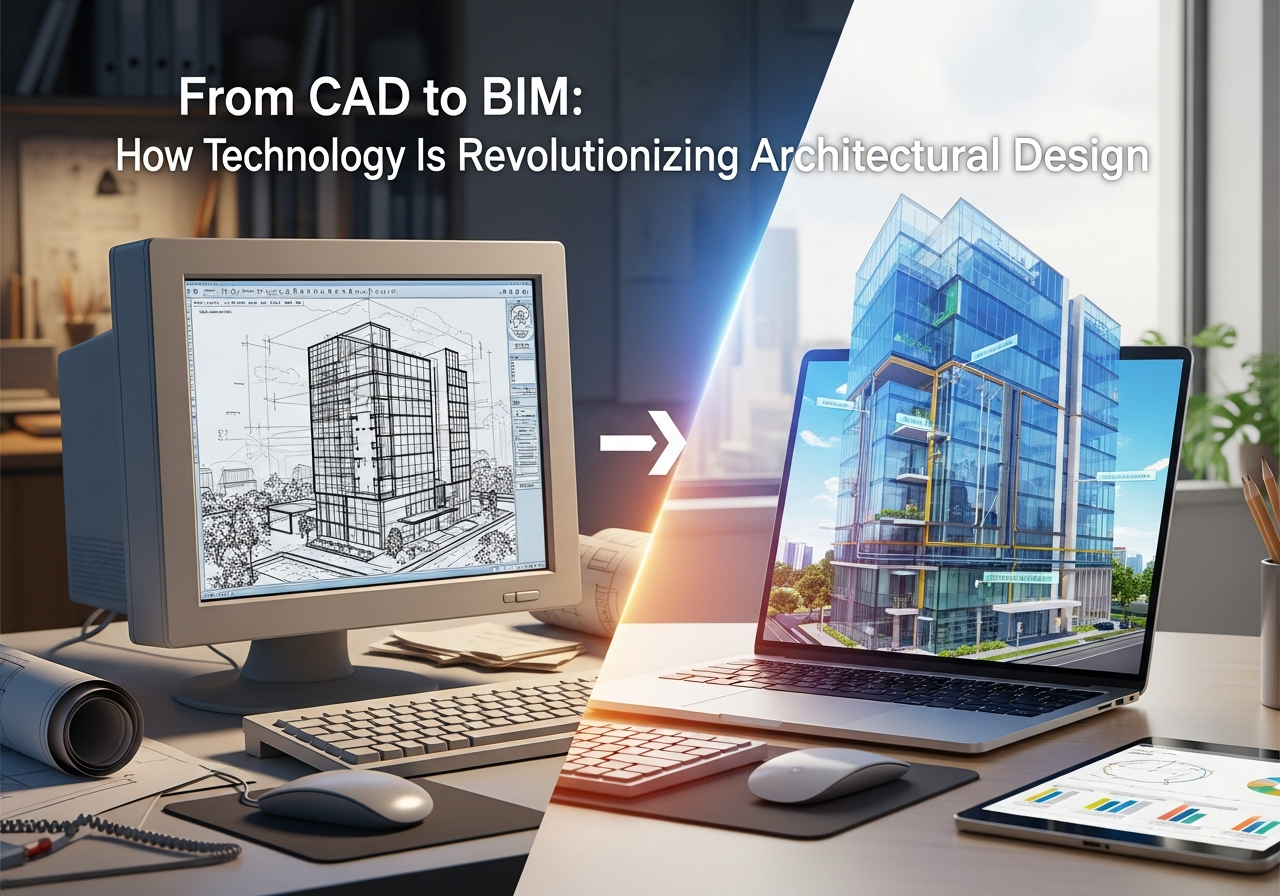
The field of architecture is rapidly changing. The old-fashioned CAD (Computer-Aided Design) used to define architectural workflows, which allowed for accurate 2D and basic 3D models. Nowadays, BIM (Building Information Modeling) changes how architects design, plan and manage their projects. This transition between CAD and BIM improves efficiency, collaboration, and accuracy of projects, which makes BIM training vital for professionals working in architecture and construction.
What is CAD and BIM in Architectural Design?
CAD software permits architects to draw technical drawings, floor plans and elevations. It is primarily focused on geometry, assisting professionals in understanding and documenting their ideas.
BIM, however, integrates intelligent data into 3D models. BIM, or building information modeling (BIM), is not just a way to display geometric shapes but also keeps track of costs, materials, schedules and lifecycle data. This helps to make architectural workflow BIM more collaborative and data-driven than conventional CAD methods.
BIM vs CAD: Key Differences
| The Feature | CAD | BIM |
| Design Type | 2D/3D geometry | Data-rich 3D models |
| Collaboration | Limited | Multidisciplinary real-time |
| Error Detection | Manual | Automated clash detection |
| Lifecycle Management | Design only | Construction, design, and maintenance |
| Project Efficiency | Moderate | High |
Knowing BIM vs CAD highlights why the industry is moving to architecture and construction software that is compatible with BIM.
Benefits of BIM over CAD
1. Better Collaboration
Contrary to CAD, in which each drawing exists on its own, BIM vs CAD highlights BIM’s capacity to centralize information. Teams are able to work together on the same model and ensure that design changes are made across disciplines immediately.
2. Improved Accuracy and Reduction of Errors
Software for architectural design that is based on BIM reduces the chance of human errors. Conflicts between plumbing, electrical and structural components are easily identified using clash detection, thereby saving time and decreasing construction costs.
3. Lifecycle Management
BIM can be more than just design; it is a tool that supports the whole process of building. From the initial design phase to maintenance and construction, architecture and construction software designed around BIM allows data-driven decision-making as well as facility management.
Key Features of Architectural Design Software in the BIM Era
The most modern architectural software integrates tools for modeling, project management, and design.
Its key features include:
- Parametric modeling for flexible design changes
- 3D visualizations to replicate the real-world experience
- Conflict resolution and detection
- Integration of scheduling and cost estimation
- Cloud-based collaboration is an excellent option for remote teams.
These capabilities allow architects to move from CAD to BIM easily and efficiently, which streamlines the architectural workflow.
BIM Training: preparing architects for the future
The adoption of BIM requires a level of expertise that is higher than that of traditional CAD. BIM training provides engineers and architects with skills to:
- Design innovative 3D models that incorporate costs, materials, and performance information.
- Coordinate effectively with multidisciplinary teams.
- Enhance efficiency in design and construction workflows.
- Make use of BIM to promote sustainable and energy-efficient design.
Institutions that provide BIM instruction focus on the practical application of Revit, ArchiCAD, and other standard architectural design software. Professionals who have BIM know-how gain an advantage in architecture or construction work.
The Future of Architectural Design: CAD to BIM
The field of architecture continues to grow, so BIM vs CAD will remain an important topic in design offices around the world. Architects who adopt BIM gain a broad view of their projects, which incorporates construction, design, and operational information. As more companies adopt architecture and construction software, the need for BIM professional training and skilled workers will rise.
The transition between CAD and BIM is not just a technical upgrade; it changes how architects approach problem-solving, collaboration, and managing projects.
Conclusion
The shift from CAD to BIM represents a significant advancement in architectural design and project management. Through BIM training, designers will be able to be proficient in modern architectural software, enhance collaboration and manage projects with accuracy and efficiency. Incorporating BIM will ensure that architecture professionals are efficient, competitive and ready to take on the challenges in the building.
FAQs
1. What is the difference between CAD and BIM in architectural design?
CAD focuses on creating detailed 2D or 3D drawings, while BIM integrates design with data, enabling collaboration, analysis, and lifecycle management.
2. Why is BIM training important for architects?
BIM training helps architects understand data-driven modeling, coordinate effectively with teams, and enhance project efficiency.
3. Can architects switch directly from CAD to BIM?
Yes, but it requires learning new architectural software, understanding architectural workflow BIM, and applying data-driven modeling principles.
4. What are the main benefits of BIM over CAD?
BIM improves collaboration, reduces errors, enables clash detection, supports lifecycle management, and allows intelligent project coordination.
5. Which software is commonly used for BIM in architecture?
Popular architectural design software for BIM includes Autodesk Revit, ArchiCAD, and Bentley Systems, among others.